Your mood board, live on your desktop.
Paste a public Pinterest board. It becomes your Mac wallpaper, in the grid you already scroll, reshuffled every 30 minutes. That’s the whole app.
On your phone? Buy now, the key waits in your email. Install on your Mac later.
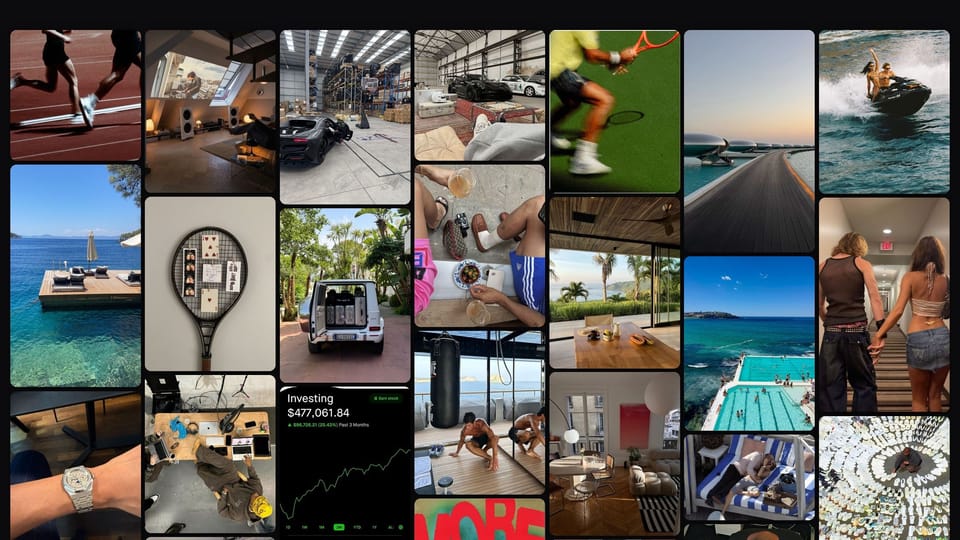
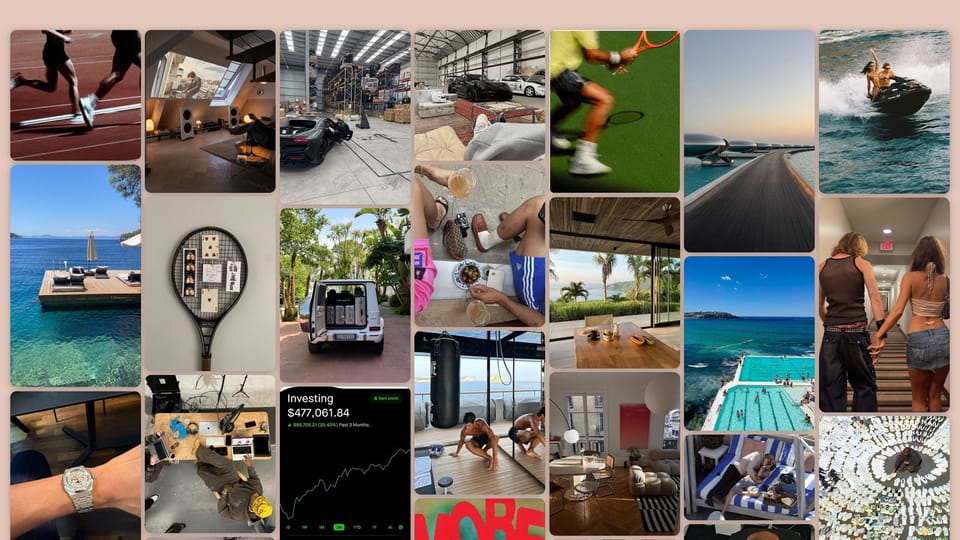
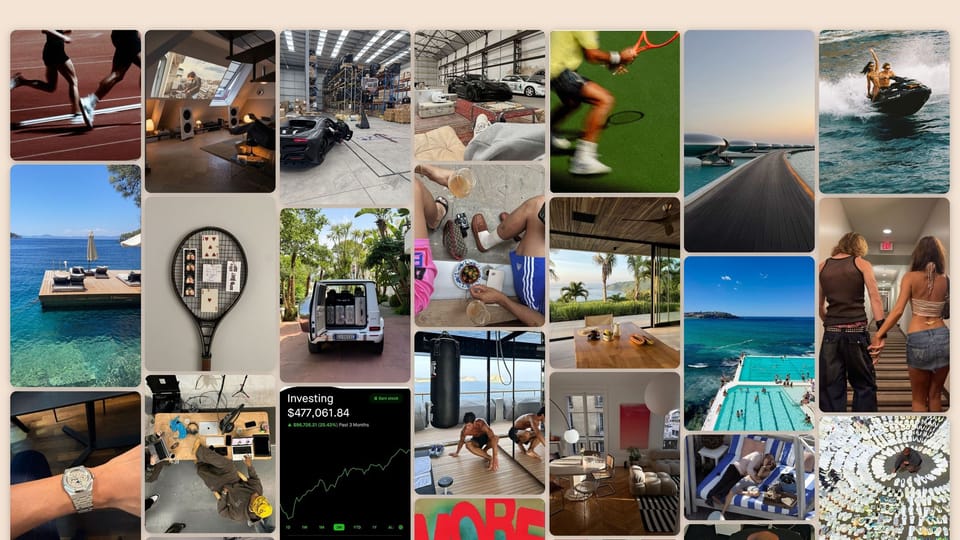
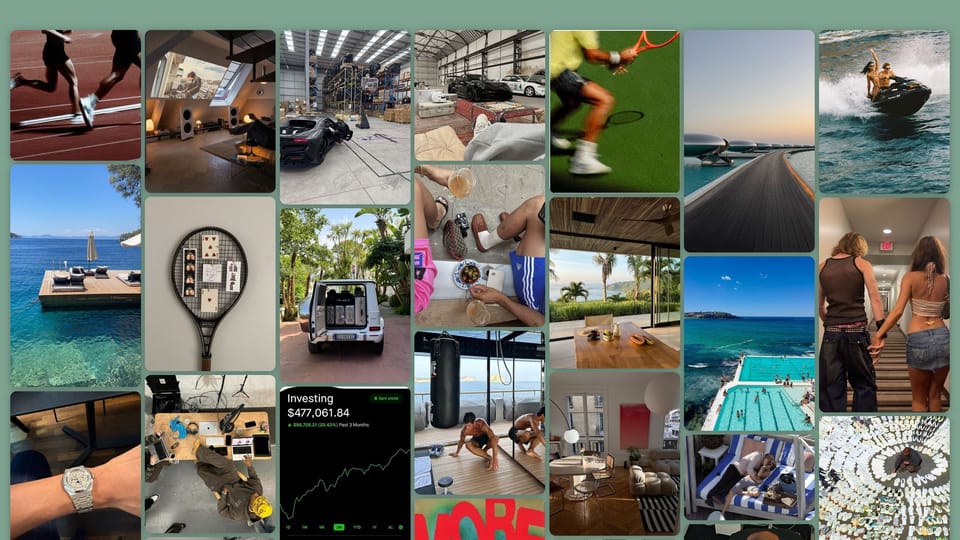
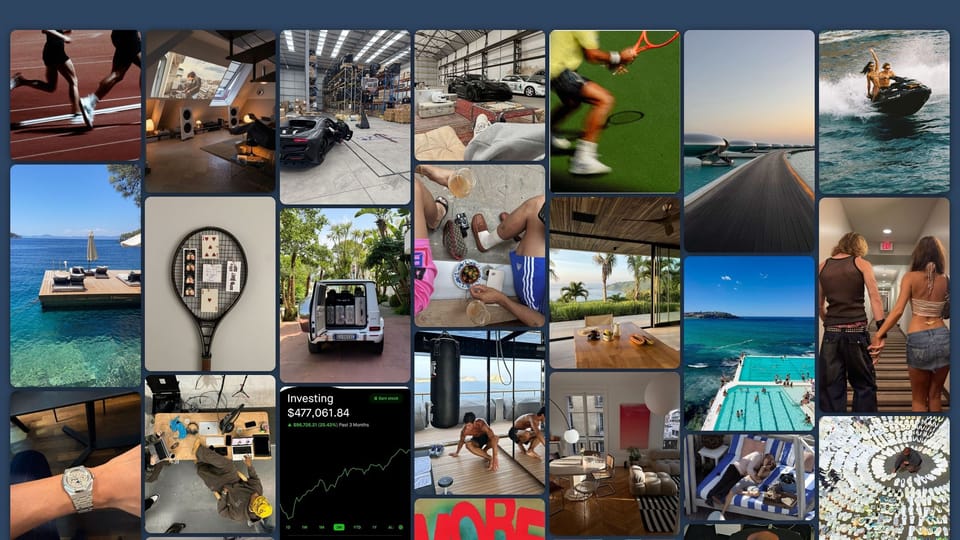




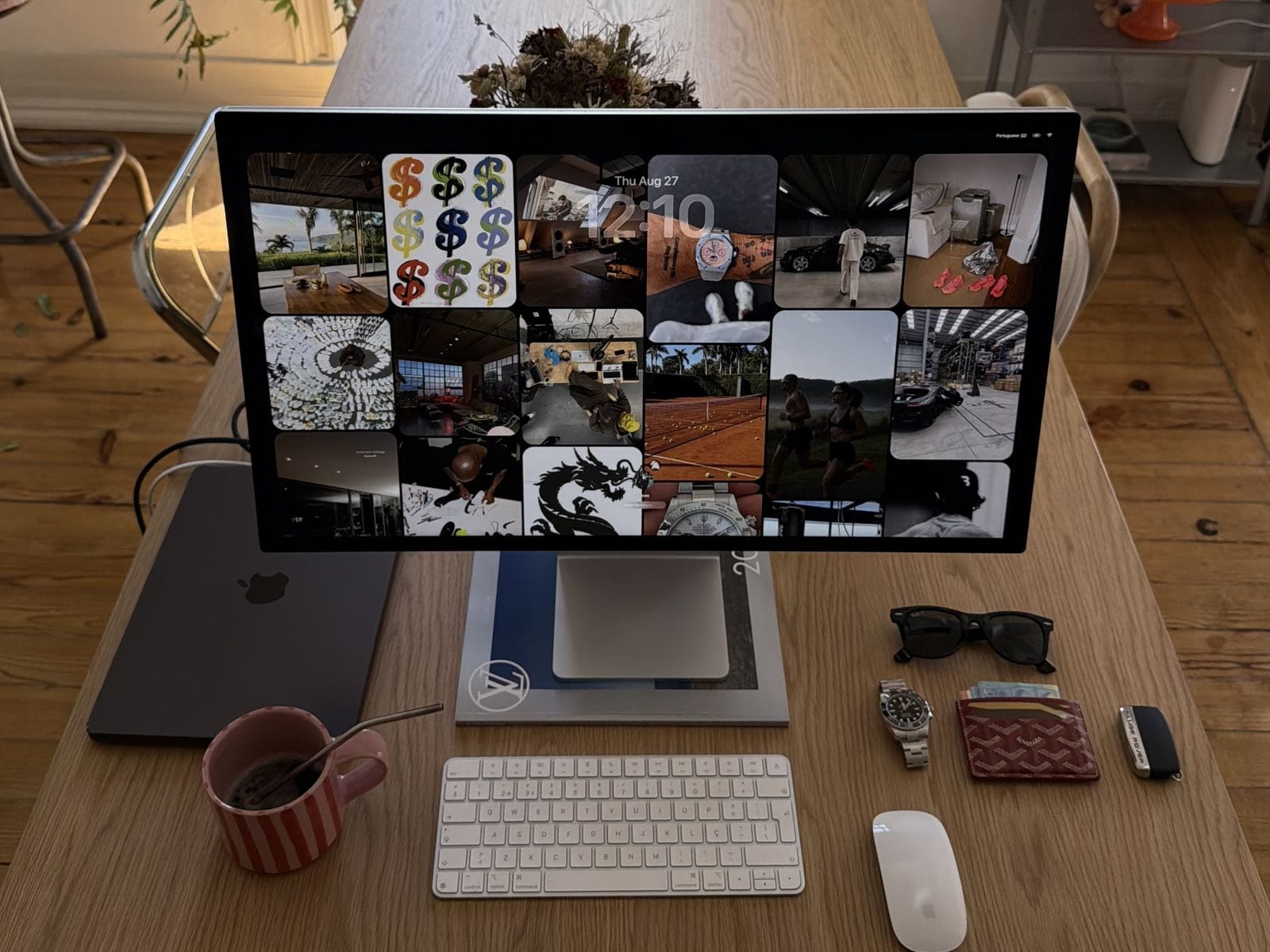
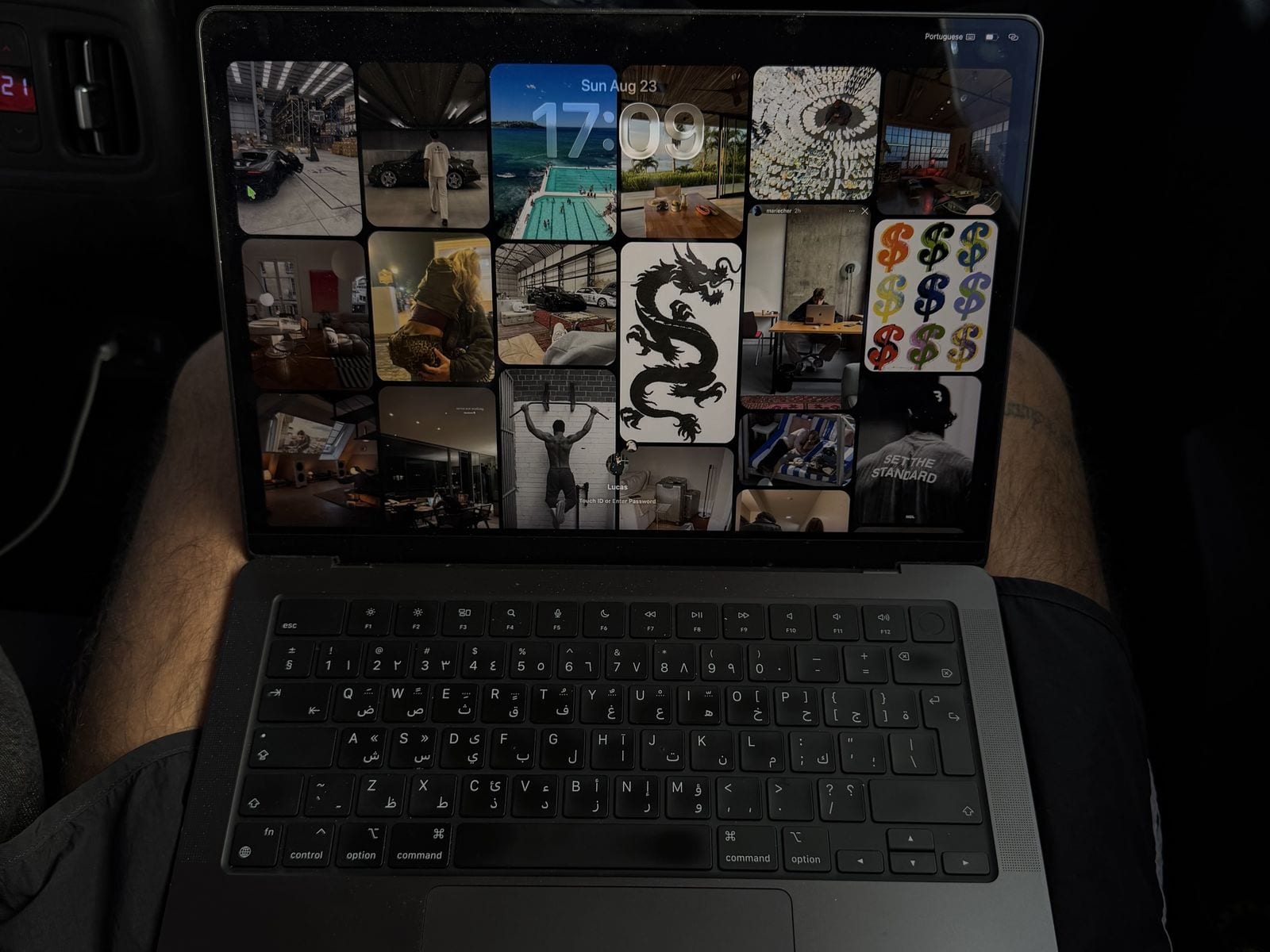
Not a mockup. A desk and a car.
Two photos, no retouching. Same board twice: a Studio Display at home, then a MacBook Pro in the back of a car.
Three steps. Then never again.
How to turn a Pinterest board into a Mac wallpaper
Under a minute to set up. After that it changes your wallpaper, does nothing else, and never asks for anything.
Paste the link
Any public Pinterest board. The full URL or a pin.it shortlink, either works.
Tweak it, or don’t
Refresh timer, columns, corner radius, background. Or leave it. The defaults are good.
Forget it exists
It sits in the menu bar and reshuffles every 30 minutes on its own. Wi-Fi drops, the wallpaper stays.
Proof
Buy to wallpaper in 40 seconds. One take.
Real time, no cuts. Buy, download, activate, paste a board, watch the wallpaper build itself.
More boards
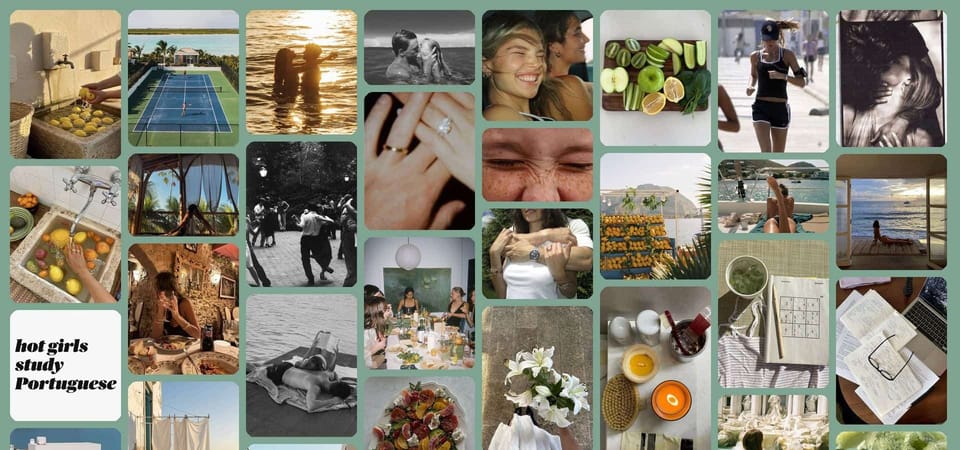
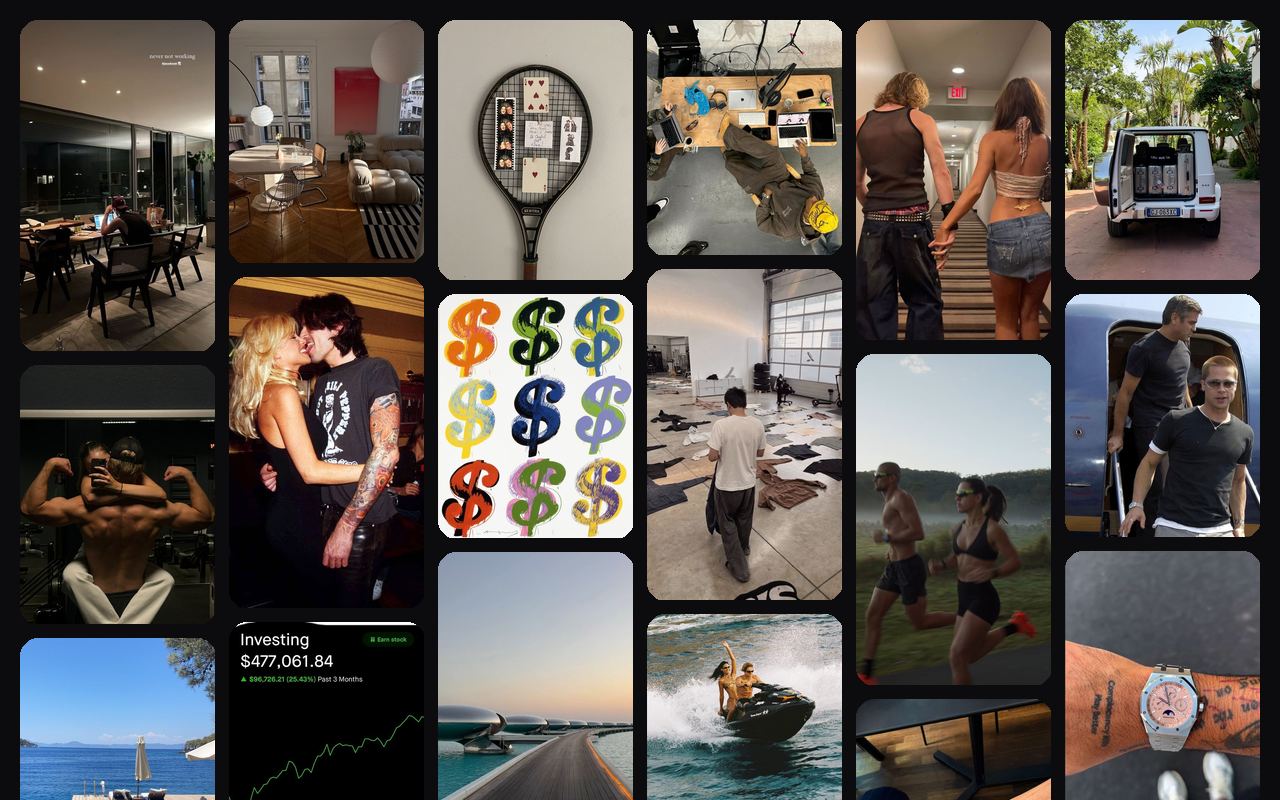
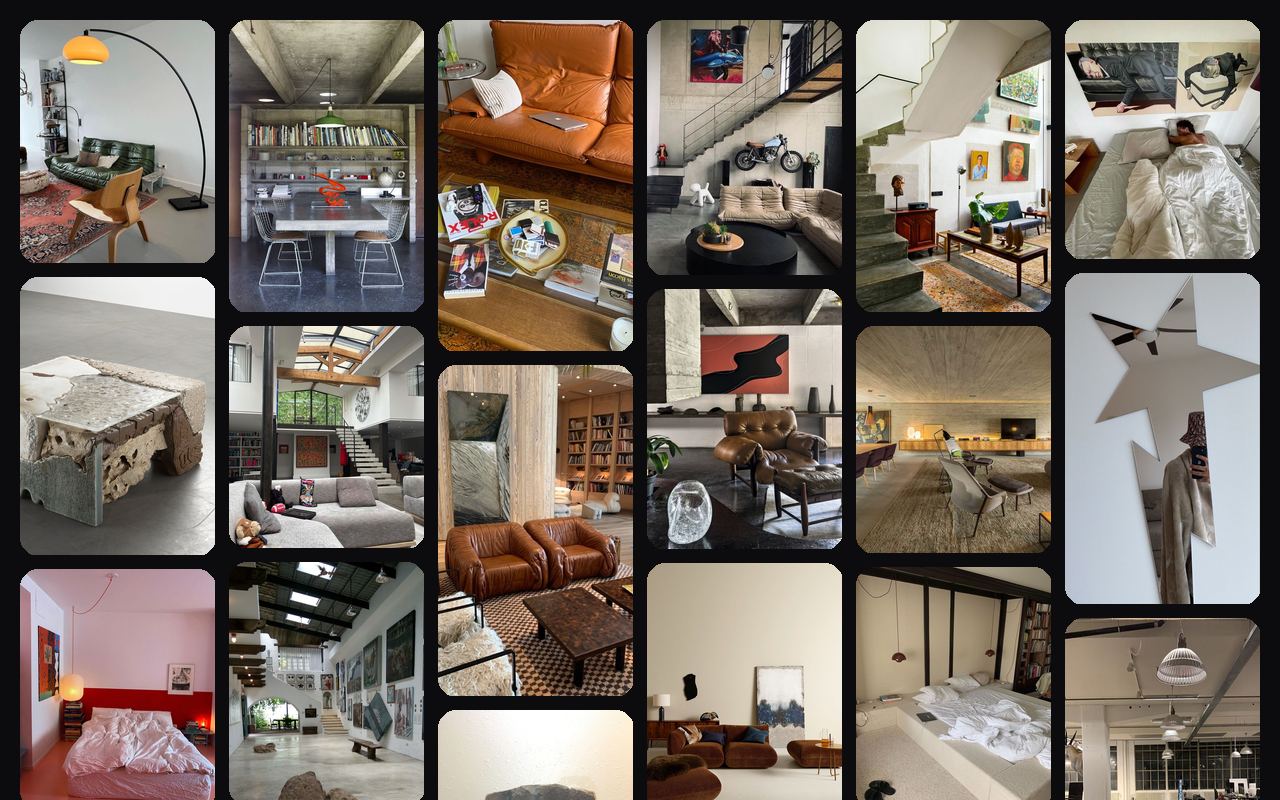
Any board, every mood.
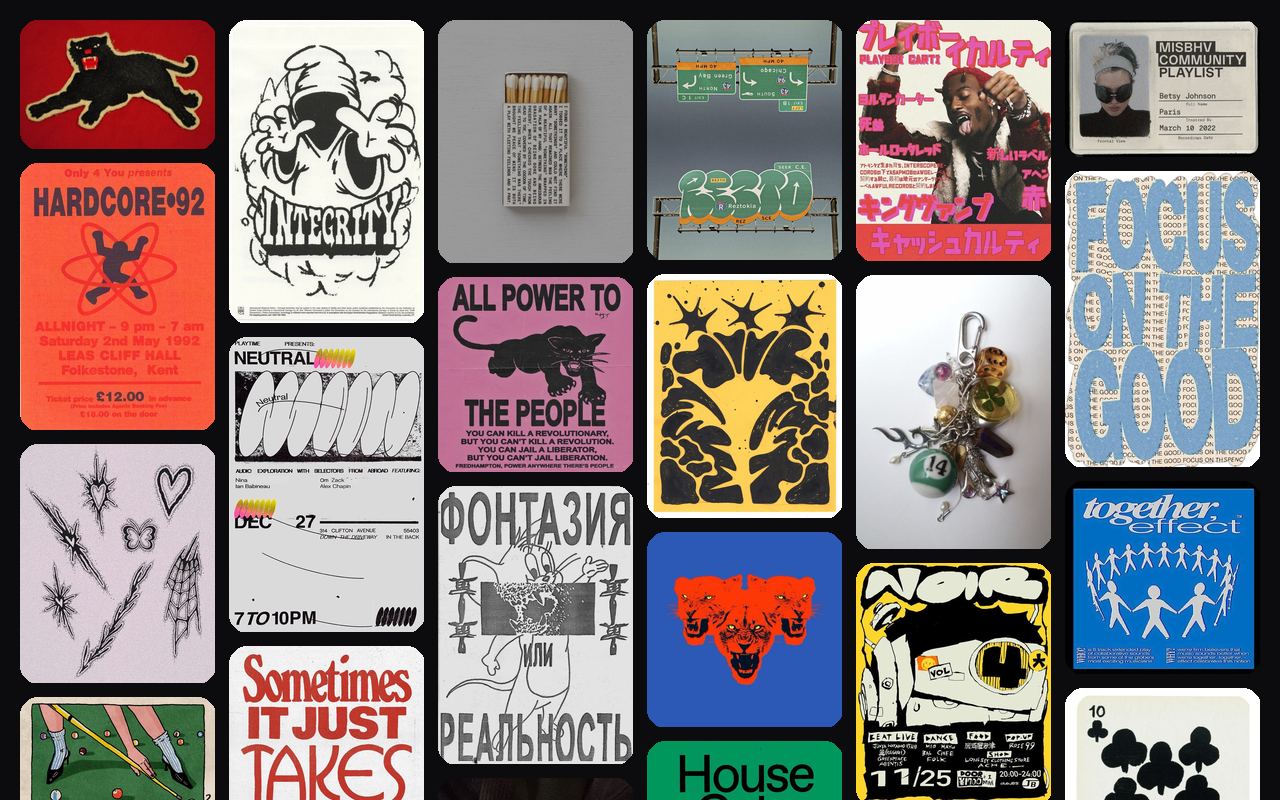
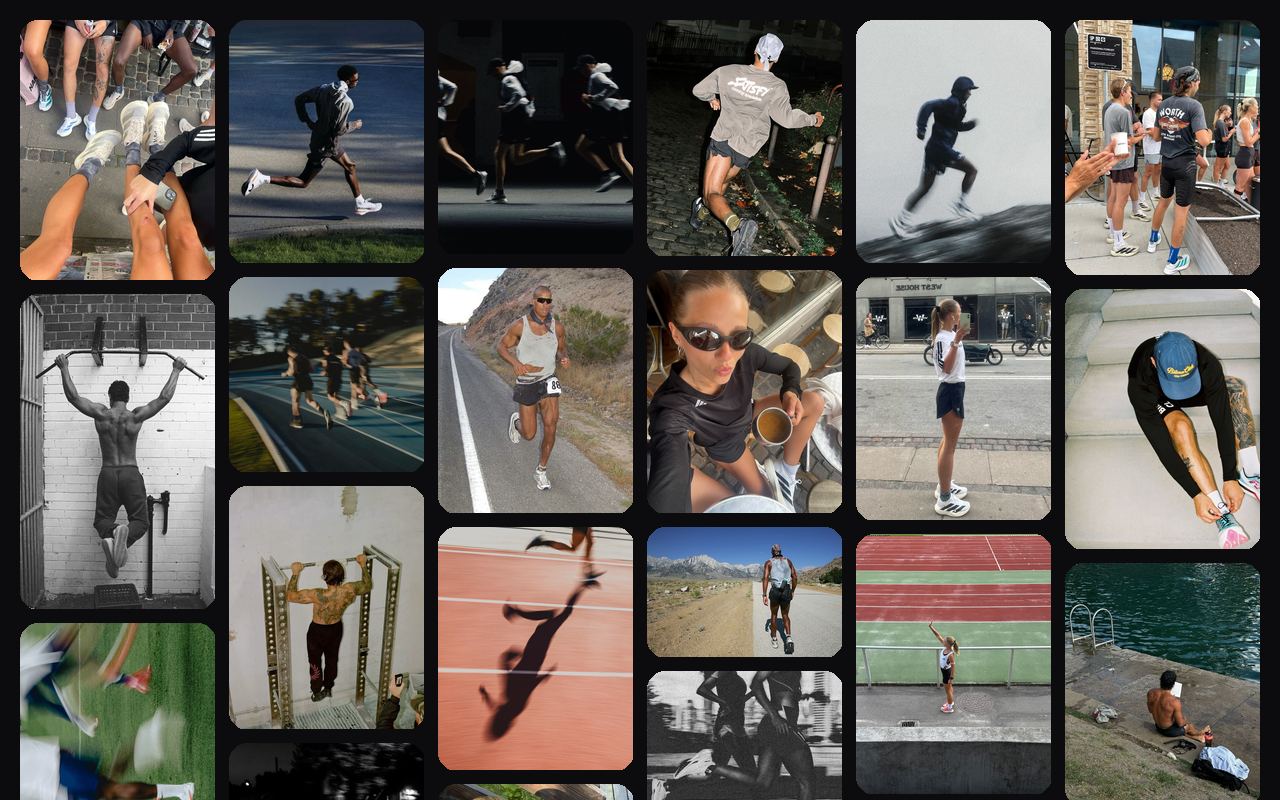
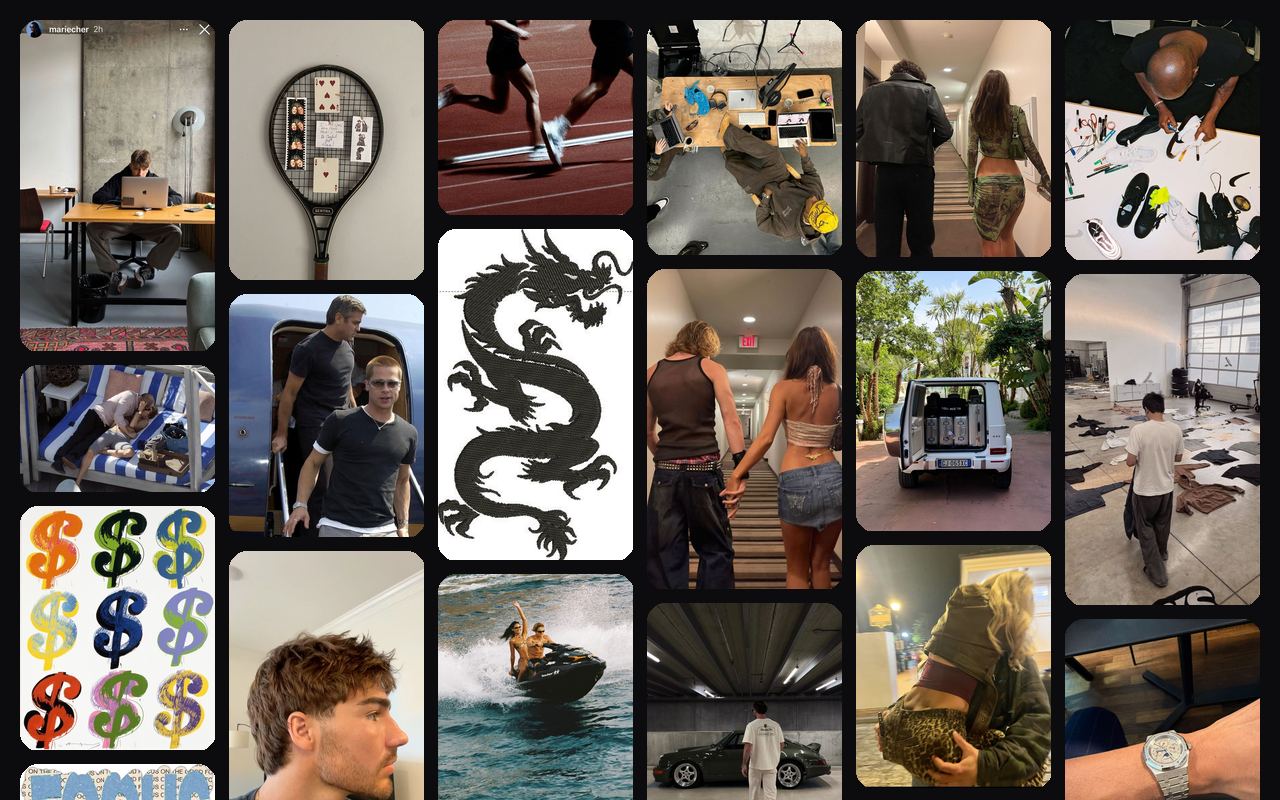
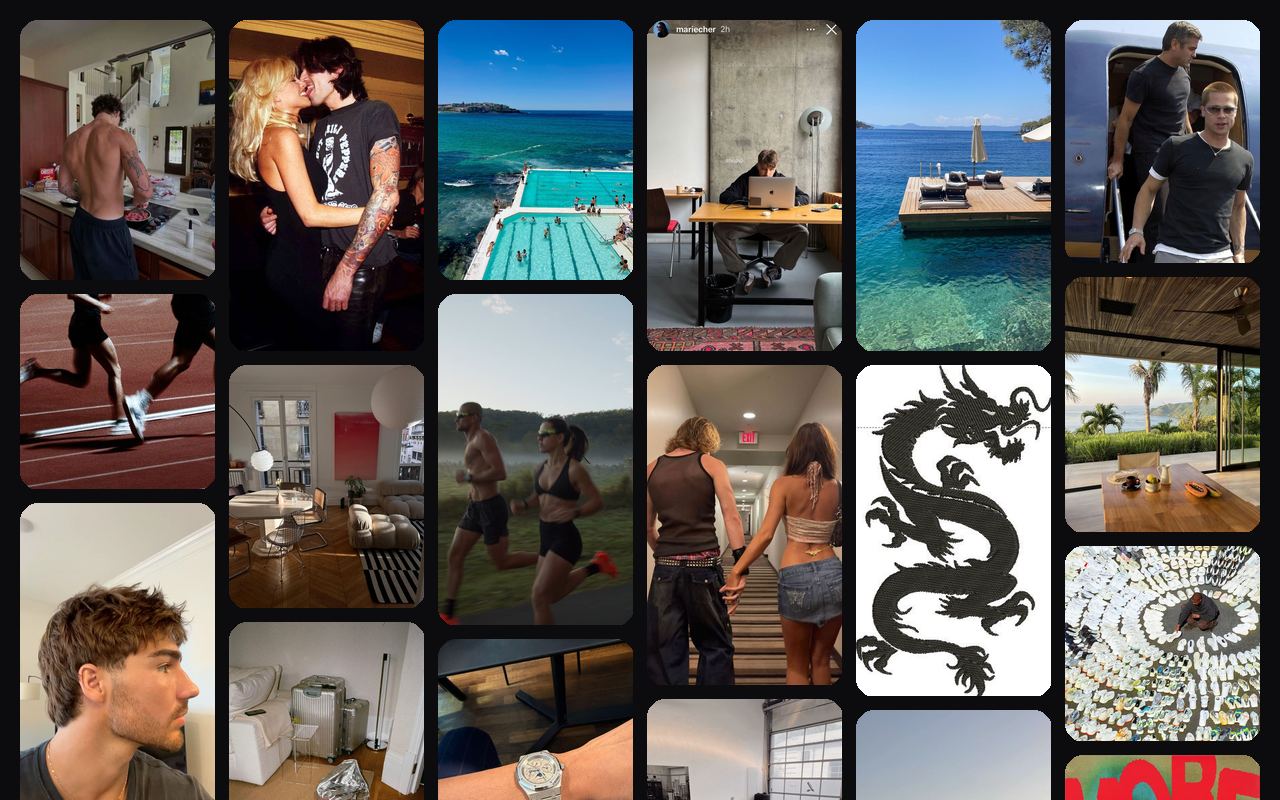
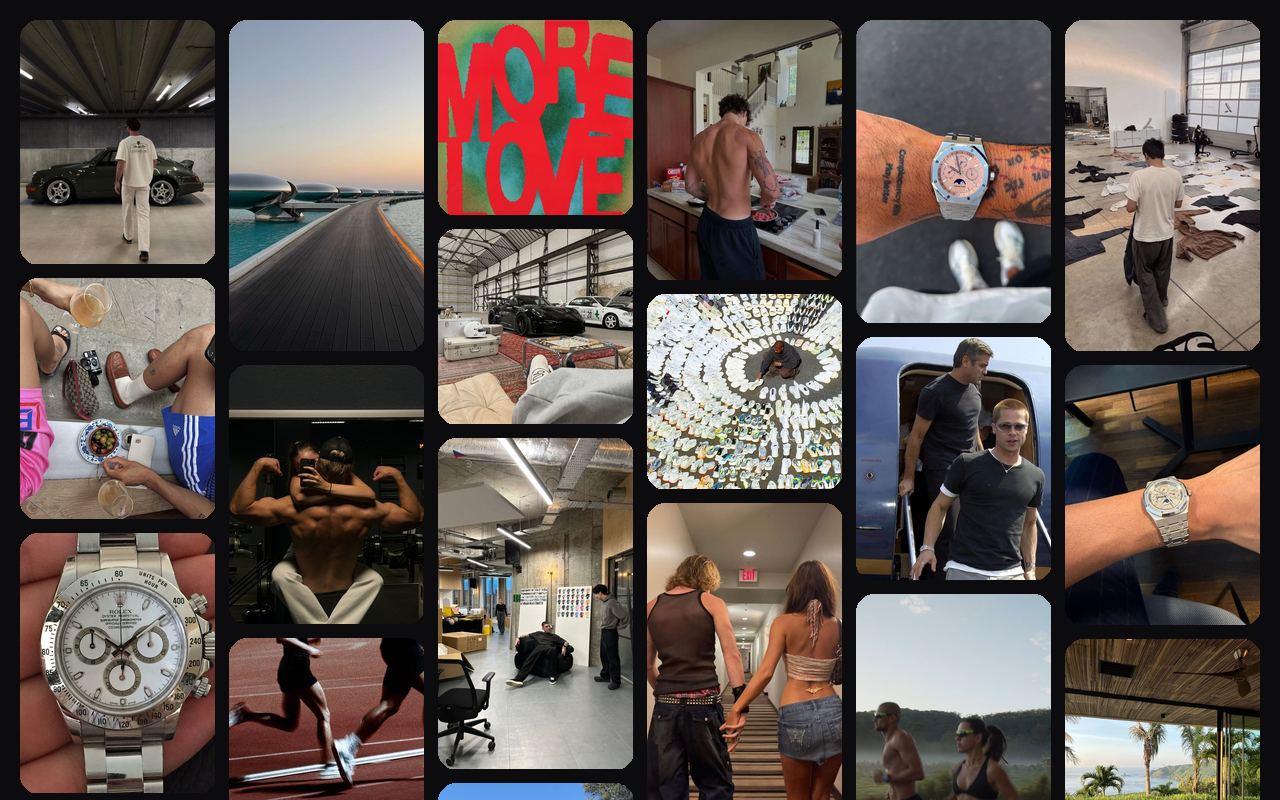
Interiors, posters, a running board, a fashion archive. Any public board, the vibe follows. Every refresh is a fresh arrangement.



Price
Pay once. Nothing renews.
How much VisionWall costs
$9.99 USD, or €9.99 in the eurozone, once. No subscription, no account, nothing to cancel later.
One-time license · 3 Macs
VisionWall for macOS
On your phone? Buy now, the key waits in your email. Install on your Mac later.
Version 1.0.4 · macOS 13.3+ · What’s new
What’s included
- Use on up to 3 of your Macs
- Free 1.x updates included
- Any public Pinterest board
- Auto-refresh every 30 minutes, adjustable from 2 minutes to 2 hours
- The Pinterest grid, rounded tiles and all
- A wallpaper composed for each connected display
- Customizable columns, spacing, corners, color
- Rounded rectangles or circles
- Lives in the menu bar, nothing to keep open
- Works offline, survives reboots
- About 1.4 MB, 0% CPU between refreshes, Apple Silicon and Intel
- No account, no analytics, no server
You already curate everything. Now the desktop.
Mood boards aren’t a hobby. They’re a filing system. VisionWall puts yours where you’ll actually look: behind everything else.
Each screen gets its own
A separate wallpaper for every connected display, built to its size. A laptop next to a big monitor gets two proper grids, not one image stretched across both.
One icon, top right
Nothing to keep open. Click it to shuffle now, pause, open the board on Pinterest, or change settings. Otherwise it stays out of the way.
Students
New semester, new desktop.
Term dates, the reading list, the exchange you’re saving for, the summer after. One board, on the Mac you study on. Pay once, no subscription.
See the student setupFAQ
Fair questions
Common questions about VisionWall, Pinterest boards and macOS
Yes. VisionWall reads pins through Pinterest’s public widget API, which only works on public boards. If your board is set to private, secret, or invite-only collab, switch it to public in Pinterest’s board settings. You can flip it back anytime.
Something else? Email us. We read everything.
Close the tab. Open your Mac.
You made the board. It lives in a tab you don’t open. Make it the wallpaper. You’ll see it every time you close a window.
Made by Lucas Viegas. A creative director in Lisbon with a vision board and a low tolerance for tabs. No account, no analytics, no server. Email hello@visionwall.io and Lucas replies. No support team, just him.